Blogs
Ideas, insights, and practical takes on building apps that actually scale.
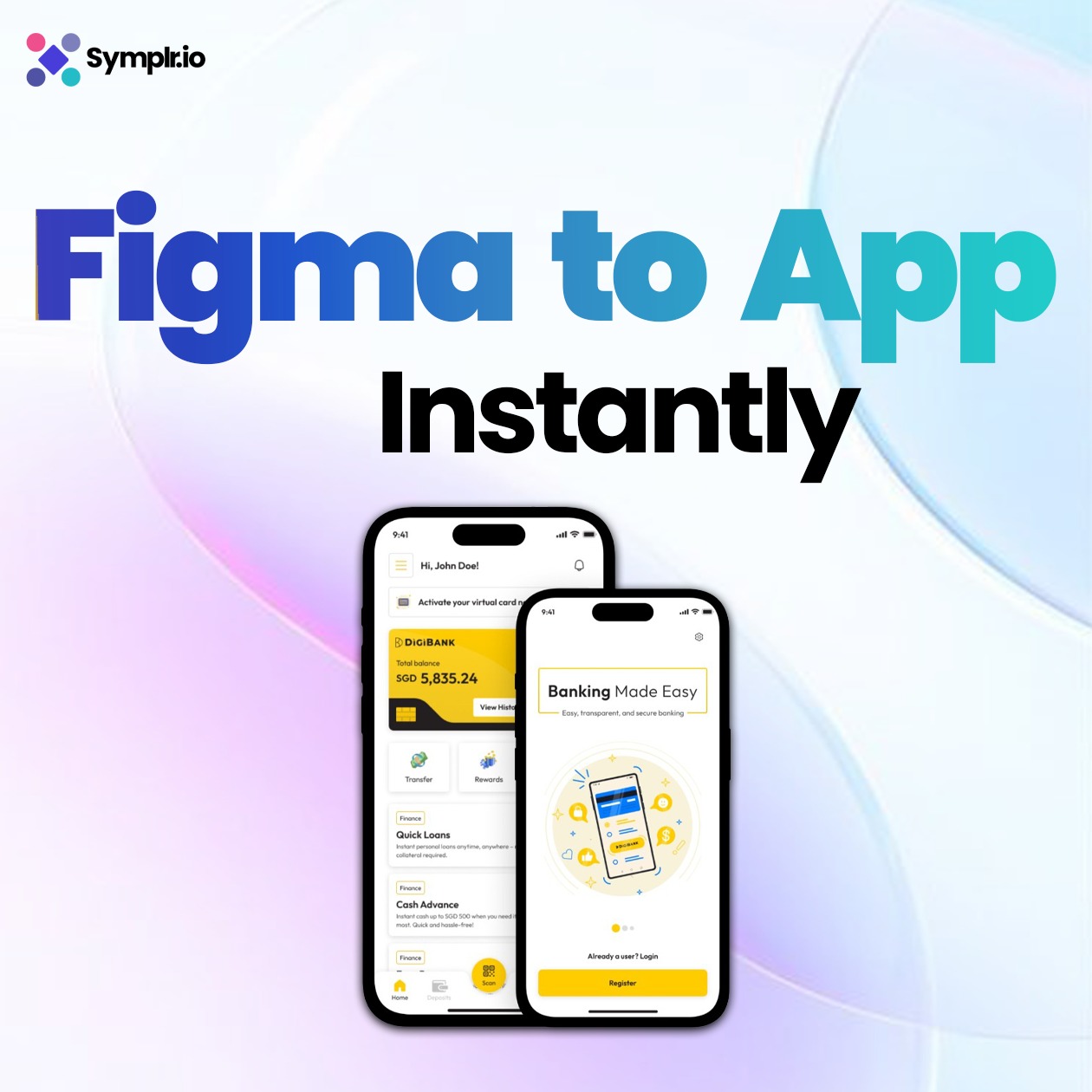
Import Figma Designs into Symplr and Generate an App Instantly
It can take weeks for designers and developers to turn blank screens into real apps that work. That gap is gone with Symplr.io. Now you can bring your Figma design straight into Symplr and make a fully functional mobile app in just a few minutes.
In this guide, you will learn how to import a Figma design into Symplr.io step by step – from preparing your design in Figma to generating a fully interactive app instantly within Symplr.
Symplr Workflow builder for Arazzo – Workflow Automation
In this digital world, companies rely on smooth API orchestration to deliver better user experiences across apps and platforms. The Symplr Workflow Builder for Arazzo, part of the Symplr.io platform, empowers businesses to design, automate, and manage complex workflows without writing code. By combining no-code app development, low-code API orchestration, and AI-powered workflow automation, Symplr.io is transforming how companies build embedded finance apps, accelerate digital transformation, and streamline enterprise operations.
Build a Low-Code Mobile App from Figma Designs
In our current app-driven economy, Figma has emerged as the preferred tool to design polished, user-friendly interfaces. Yet, a question lingers—how can you transform those flawless mockups into working mobile apps without coding?
As low-code platforms have grown, you can now build low code mobile app from Figma design in a matter of hours, not weeks. This guide shows you how to turn your UI/UX ideas into actual apps without hassle.


What is Symplr.io? Powerful Features and Incredible Benefits Explained
Symplr.io the Next Chapter of low Code app building
Read More
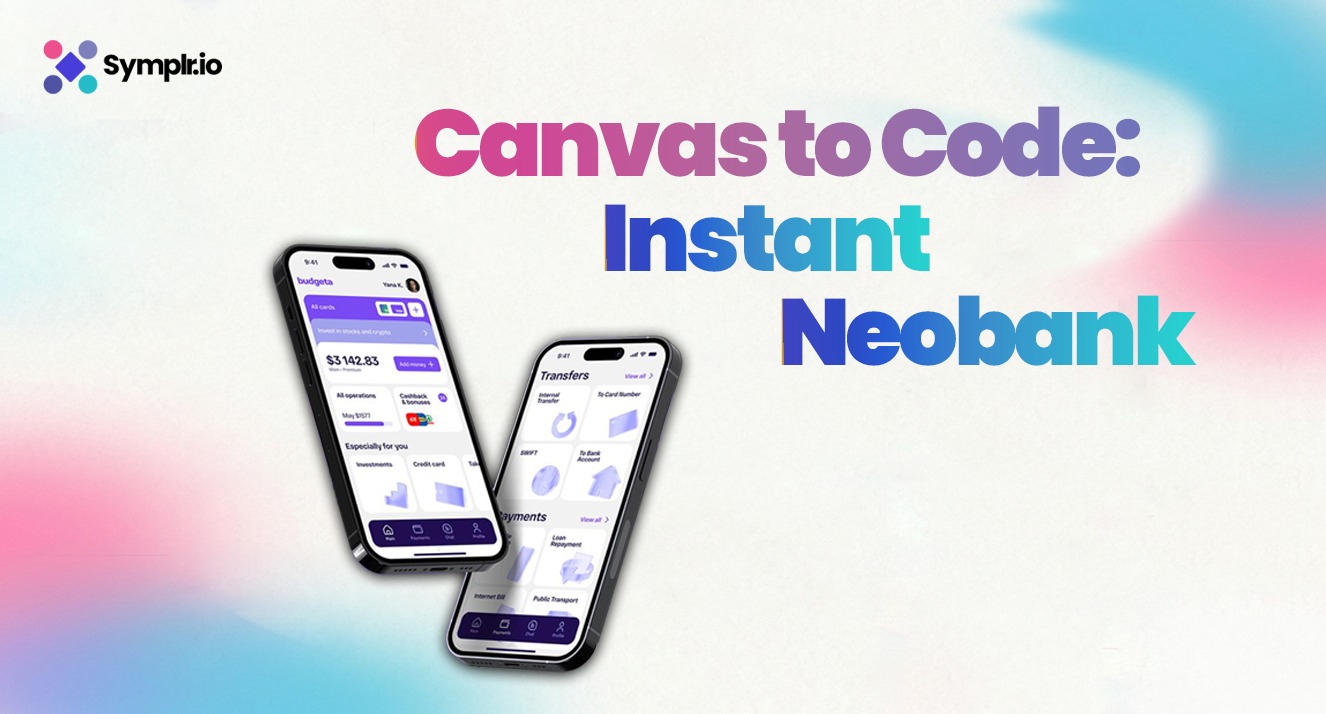
Launch a Neobank App from Canvas to Code with Symplr
This tutorial will walk through the steps for using Symplr to transform any Figma-based design into a functional mobile app with workflows, navigation, decisions, and backend integrations. To demonstrate the process, we use a Neobank Symplr Figma Template as an example. You can follow the exact same steps with any other design of your choice. By the end of this document, you will clearly understand how to import a Figma file, connect workflows, test your app, and finally download the production ready source code using Symplr’s visual workbench – Symplr Studio. No coding required, just a smooth, step-by-step experience from canvas to code. Why Build with Symplr? No coding required: Anyone can build a complete app using a simple visual interface. Build in minutes: Go from Figma design to a working app in just a few simple clicks. Download and customize: Export clean, production ready code that developers can enhance or deploy right away.
Read More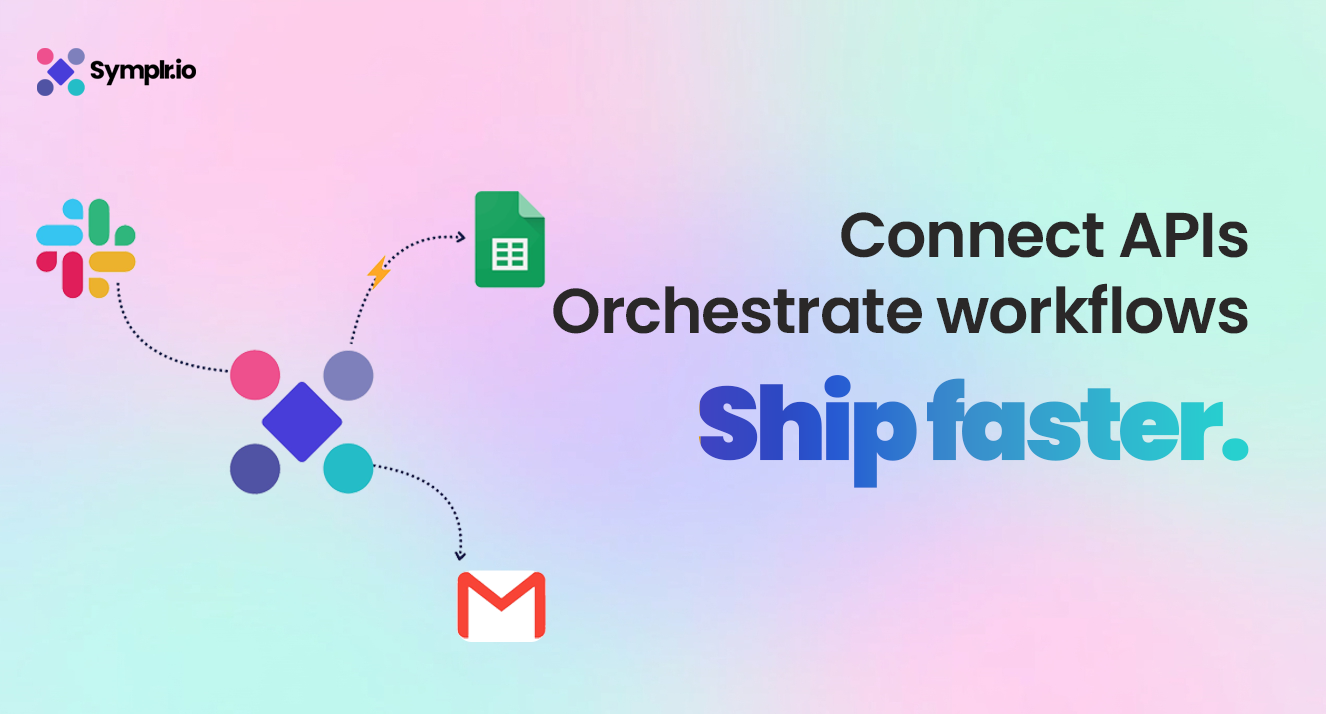
Connect and Orchestrate APIs with Symplr Workflow Builder for Arazzo
Have you ever wished that your favorite apps could talk to each other? Imagine this: the moment a new message appears in your Slack channel, whether that is an alert, an update, or any other post, it gets logged into a Google Sheet for easy tracking. No copying, no pasting, no coding-just automation. That is exactly what Symplr Workflow Builder for Arazzo helps you do. Visual in nature, it allows for connecting APIs, cascading them, and orchestrating sophisticated workflows without actually writing even a line of code. Whether or not you are a developer, Symplr makes automation easy, intuitive, and powerful. Arazzo is the API orchestration engine inside Symplr. Users can chain multiple APIs together in a single automated flow, transforming complex backend logic into a simple, visual experience.
Read More
Symplr Workflow Builder for Developers and Non-Developers
What is a Workflow and What is Orchestration? A workflow is the linear path that data and activities take to complete a business process like authenticating a user, processing payment, or triggering an alert. It is the stuff that holds systems, APIs, and humans together. Orchestration takes that next level, it brings together multiple APIs and workflows and gets them to work together in terms of how they communicate. Such as when you create a new bank account within a mobile app, orchestration ensures that the ID authentication API, account creation API, and email service all communicate with one another in one unif
Read More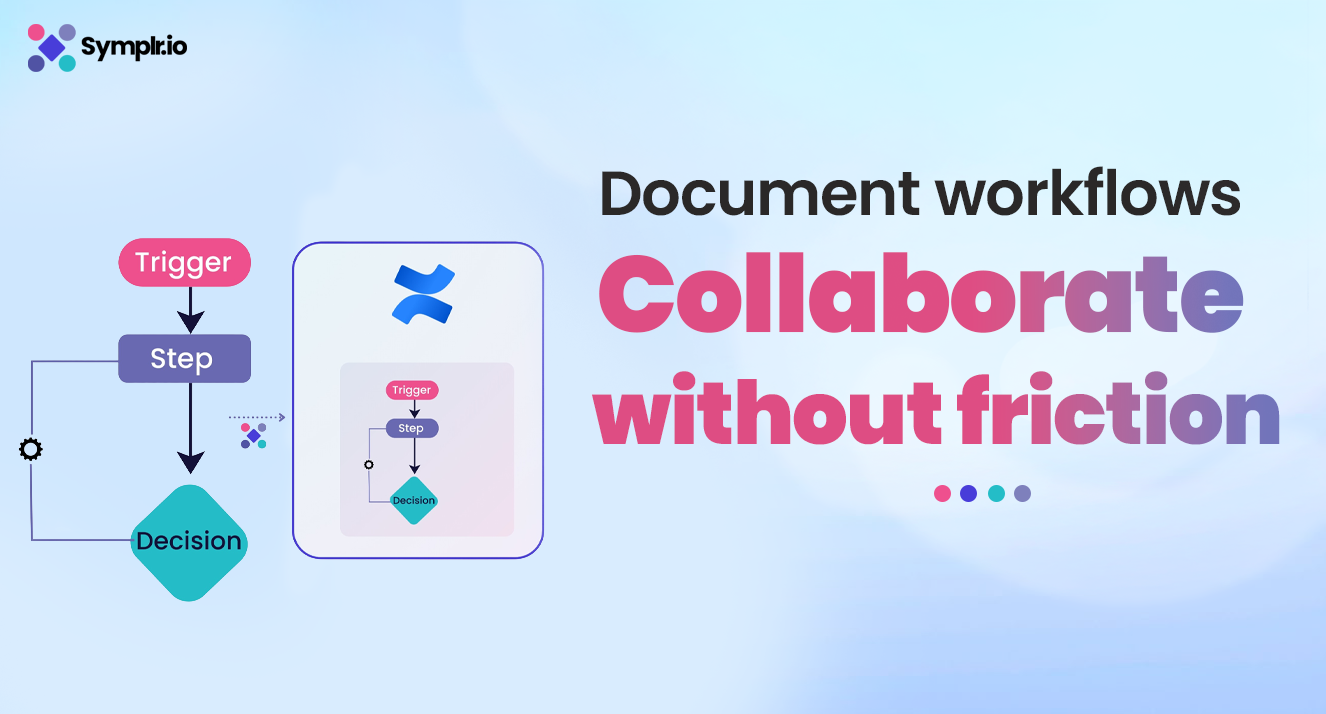
Symplr Confluence Plugin for Workflow Documentation and Collaboration
Learn how the Symplr Confluence Plugin transforms workflow documentation and collaboration. Discover how to visualize, share, and manage Arazzo workflows seamlessly. In today’s fast-moving digital world, teams depend heavily on APIs and interconnected systems to deliver seamless user experiences. However, managing these complex workflows can be difficult, especially when multiple teams are involved in development, testing, and documentation. This is where Symplr Workflow Builder for Arazzo and the Symplr Confluence Plugin come in – bridging the gap between technical orchestration and cross-team collaboration. Together, they make workflow design, documentation, and knowledge sharing simple, visual, and accessible for everyone in an organization. In this article, we will explore how Symplr helps teams build smarter workflows, publish them directly to Confluence, and create a unified source of truth for digital journey documentation.
Read MoreImport Figma Designs into Symplr and Generate an App Instantly
It can take weeks for designers and developers to turn blank screens into real apps that work. That gap is gone with Symplr.io. Now you can bring your Figma design straight into Symplr and make a fully functional mobile app in just a few minutes. In this guide, you will learn how to import a Figma design into Symplr.io step by step – from preparing your design in Figma to generating a fully interactive app instantly within Symplr.
Read More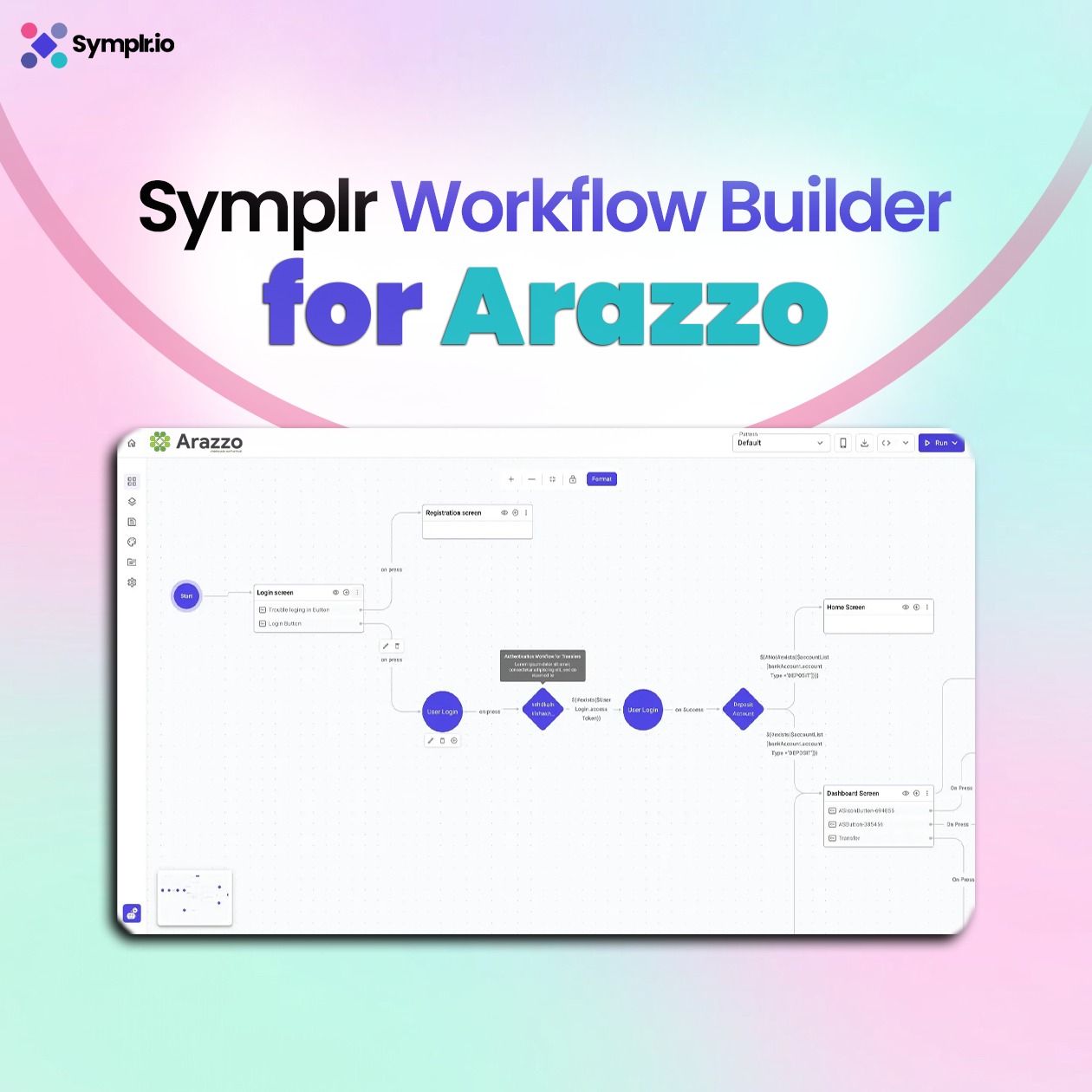
Symplr Workflow builder for Arazzo – Workflow Automation
In this digital world, companies rely on smooth API orchestration to deliver better user experiences across apps and platforms. The Symplr Workflow Builder for Arazzo, part of the Symplr.io platform, empowers businesses to design, automate, and manage complex workflows without writing code. By combining no-code app development, low-code API orchestration, and AI-powered workflow automation, Symplr.io is transforming how companies build embedded finance apps, accelerate digital transformation, and streamline enterprise operations.
Read More
All-in-One Symplr Workflow Builder for Developers and Teams
OpenAPI (formerly Swagger) is the default choice standard in the world of APIs for describing individual APIs, documenting, and specifying their endpoints, request parameters, and responses. It is ideal for defining a single service but falls short when you have to define how multiple APIs collaborate to produce an overall outcome. Arazzo is an open standard spec-designed to simulate multi-step workflows that orchestrate multiple API calls, conditional logic, and data transformations. If OpenAPI is the blueprint for a single API, Arazzo is the playbook for how APIs collaborate in sequence. In today’s digital ecosystems, this orchestration layer is essential. Companies do not have a single API to depend on, as an alternative they connect multiple services, both internal and external, to provide smooth experiences. Arazzo allows teams to define these workflows in a structured, machine-readable format, enabling them to be repeatable, testable, and portable. in summary Symplr Workflow Builder is All-in-One Platform for Developers and Non-Developers
Read More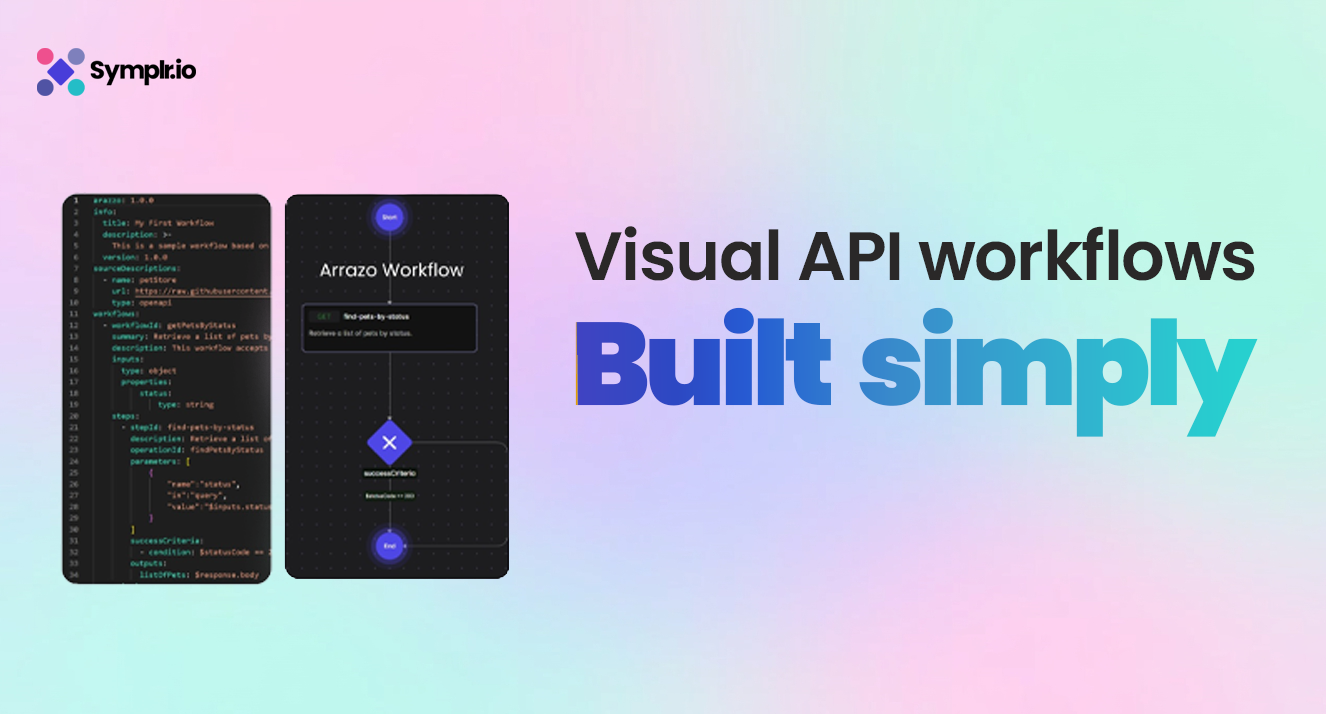
Visual API Workflow Builder for Arazzo by Symplr.io
Visual API Workflow Builder for Arazzo stands ahead In the today’s software-oriented world, where APIs are the foundation of contemporary applications. APIs link services, automate work, and provide dynamic experiences. But traditionally, integrating APIs requires coding skills, backend knowledge, and time-consuming debugging. That is where Arazzo Editor by Symplr.io becomes a game changer Visual API Workflow Builder for Arrazo. With Arazzo, you can now integrate APIs visually in your app with our free Arazzo Editor – no technical ability needed. Whether you are a product manager, startup founder, marketer, or developer, Arazzo simplifies backend logic creation with a powerful visual interface.
Read More